
What is Elite UI?
A custom ROM based on One UI 8.5 is a modified version of Samsung's official software. It retains the core look and feel of One UI but adds new features, performance enhancements, and customizations that aren't available on the standard firmware.
Elite UI is a custom firmware currently in development for Samsung Galaxy devices. It is engineered upon the latest version of Samsung's user experience and incorporates extra features and adjustments to deliver the best out-of-the-box performance and usability.
Features
Glaze UX v1.0
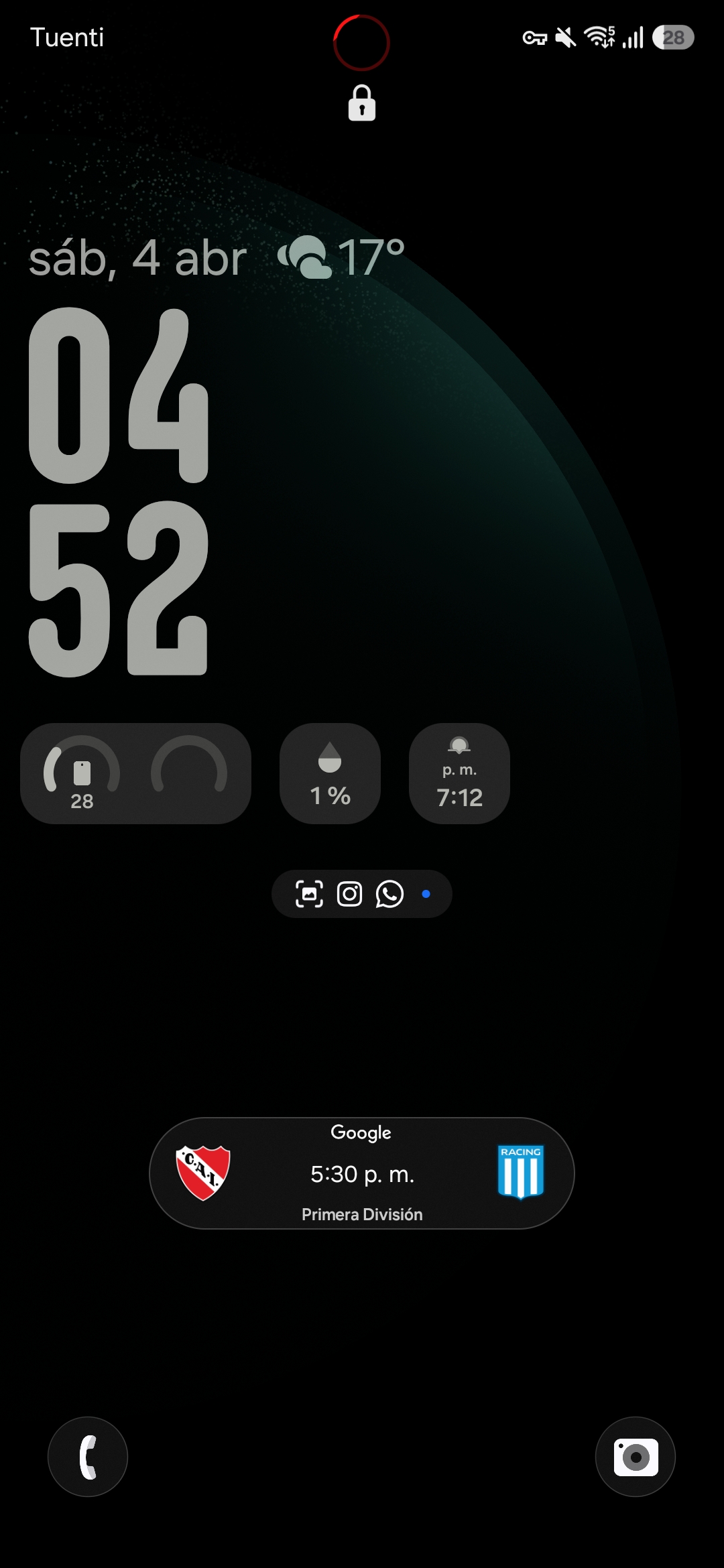
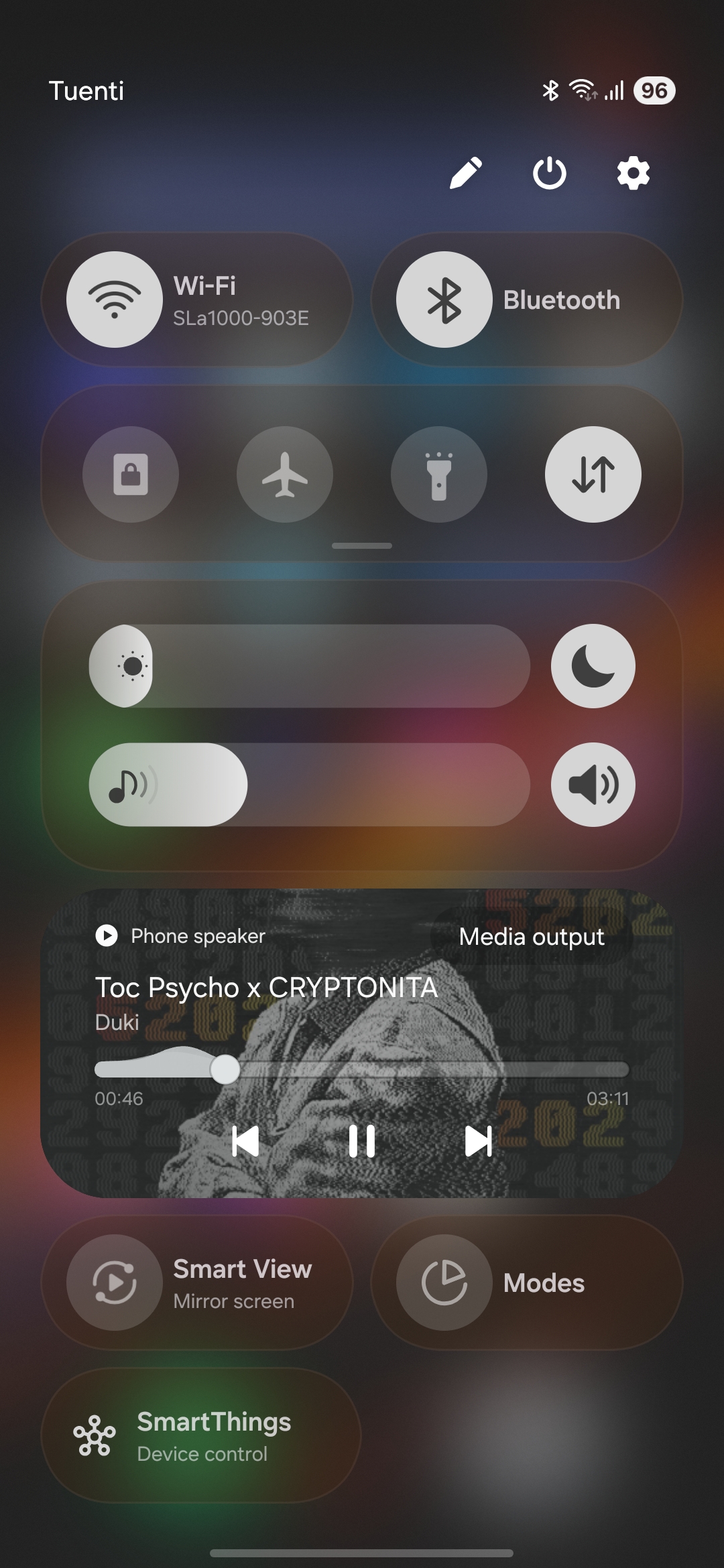
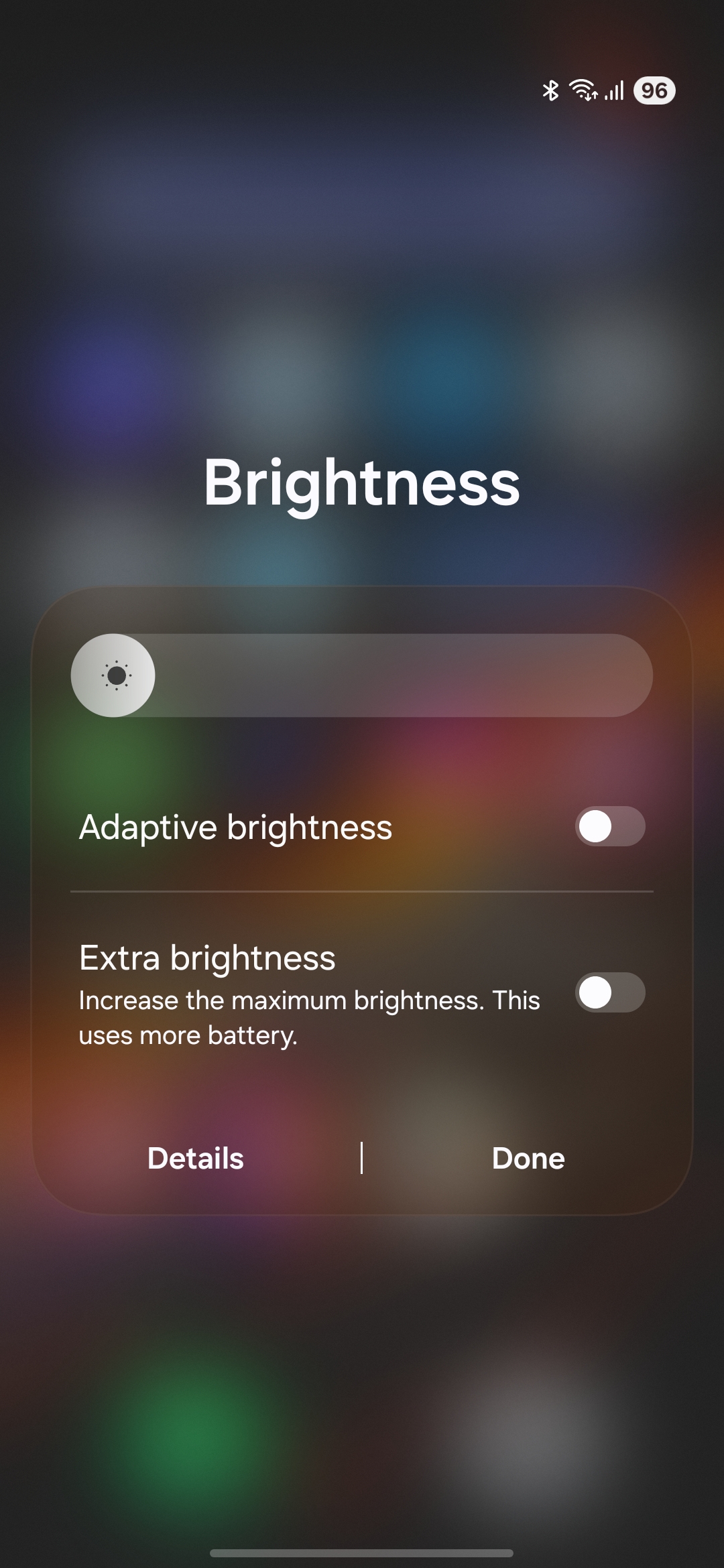
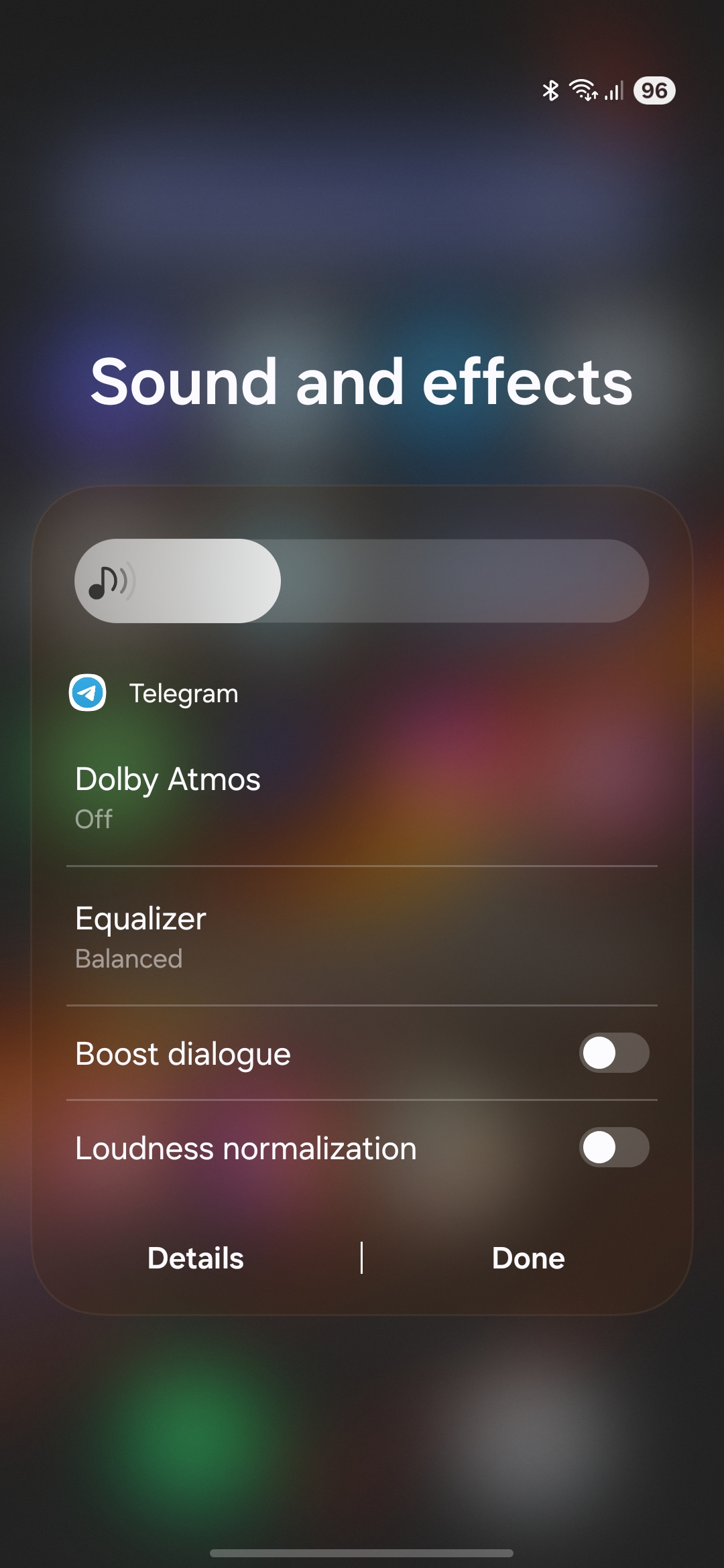
A brand-new design layer over One UI 8.5 — reworked icons, smoother animations, and a cleaner, more modern look across every screen.
Galaxy AI — S26 Series
Full Galaxy AI ported from the S26 Series, a 3B-parameter NPU model, and the latest Samsung LLM — offline text tasks, live translation and summaries, no internet required.
Elite UI Settings
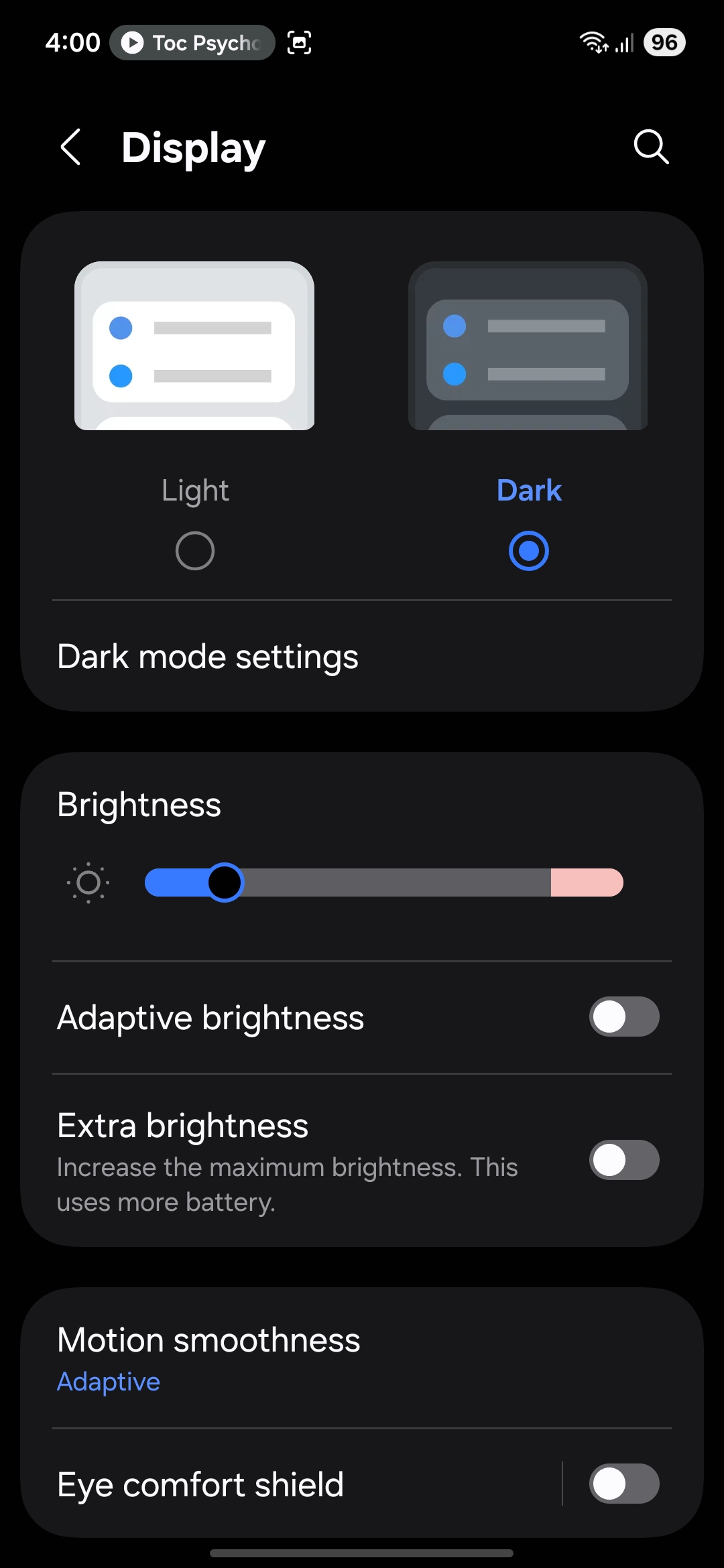
A powerful in-ROM control center: system monitor, performance modes, CPU/GPU temps, RAM monitor, battery stats, display tuning, and more — all in real time.
Pro Camera — 4K 120fps
Full Camera2API and RAW support on every lens. 4K 120fps in Pro Video mode. Pro Mode unlocked on the telephoto sensor.
Floppy Kernel
Custom Floppy Kernel with Elite UI's own DVFS implementation, tuned for maximum battery life, stability, and peak performance on Exynos 2100.
Root-Friendly, Bank-App Safe
KernelSU root hiding, Play Integrity Fix and a built-in Keybox Loader, all included by default — full root access without breaking your banking or streaming apps.
Extreme Privacy
ATrace, graphics tracing and system logging fully disabled. Secure screenshot, absolute privacy mode, and screenshot/recording detection nuked.
Elite App Manager
Disable any system or user app in real-time, with no reboot needed. Full control over your device's installed software — handle with care.
Screenshots
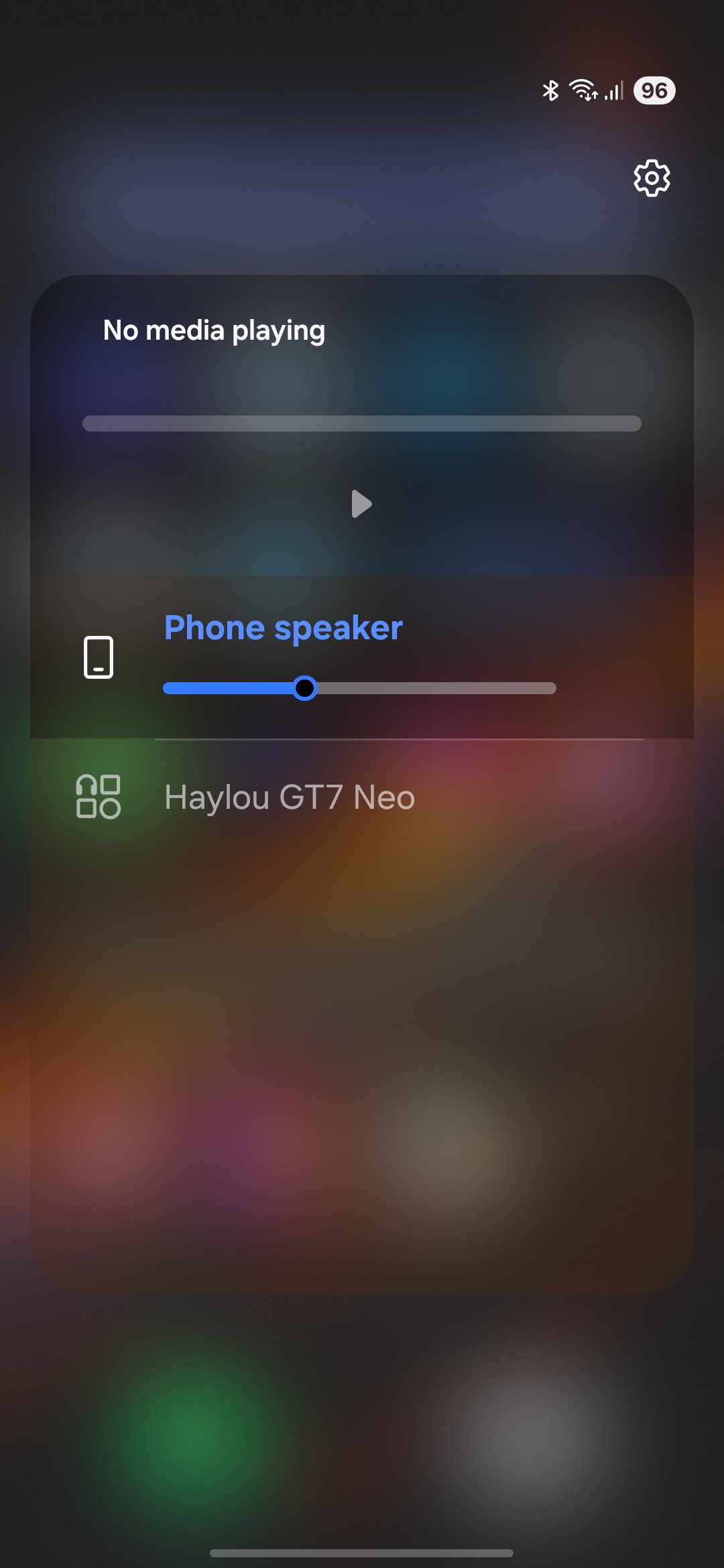
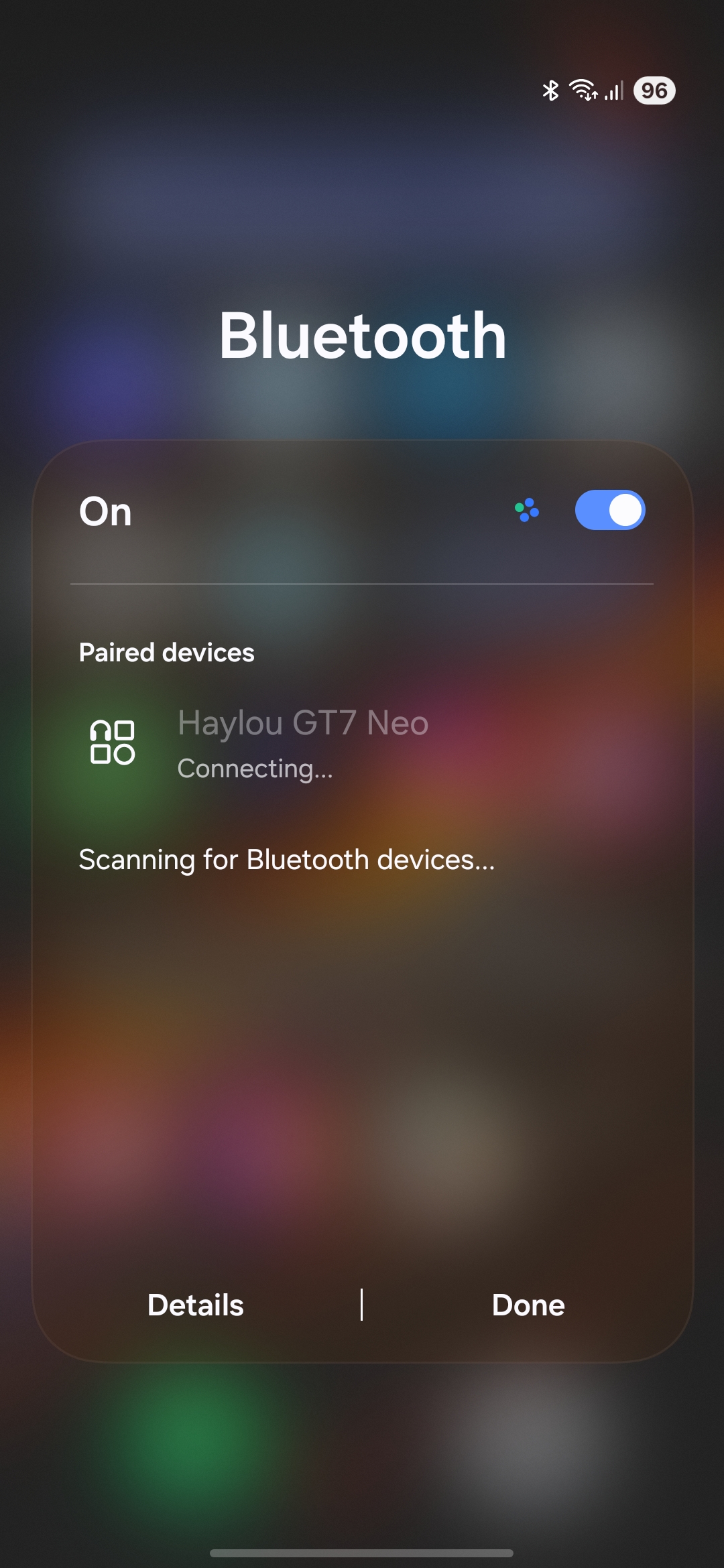
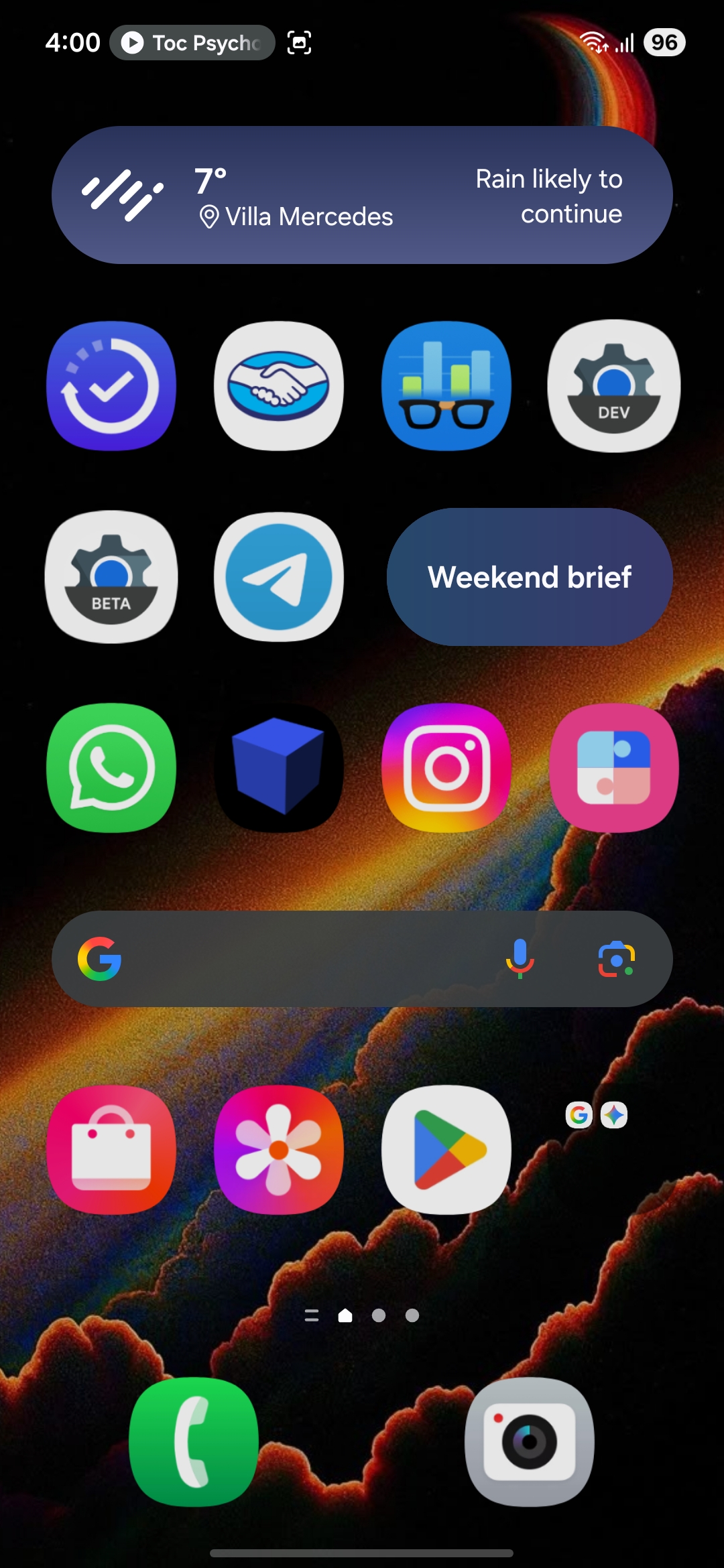
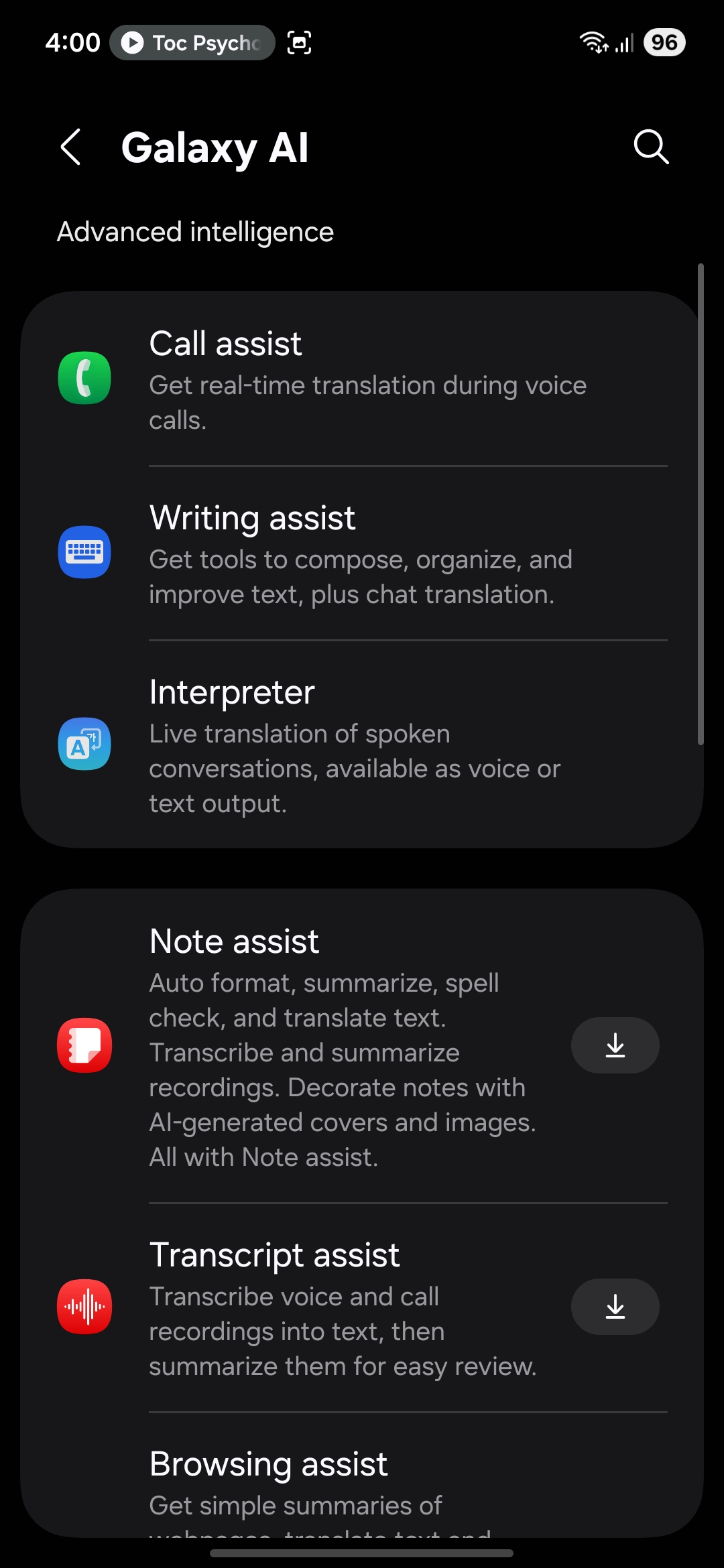
Go VIP — Elite Access
Support the project and unlock exclusive builds, priority support, and the latest updates before anyone else.
Install Steps
Disclaimer
- Your warranty is now void.
- We are not responsible for bricked devices, dead SD cards, thermonuclear war, or you getting fired because the alarm app failed.
- Please do some research if you have any concerns about flashing this ROM before flashing it!
- YOU are choosing to make these modifications, and if you point the finger at us for messing up your device, we will laugh at you. HARD!
Bootloader unlocking
- Enable Developer options in settings.
- Plug the phone to the PC.
- Keep pressing the button of volumen up and volumen down.
- Now keep pressed up button to get in Bootloader Unlock Mode.
- Press vol + to unlock bootloader.
ROM Install Steps
- Make sure you're on the latest Stock firmware (Check on SamFW).
- Make sure your OEM Bootloader is Unlocked.
- Download OFOX/TWRP, VBmeta.img.
- Put device in Download Mode.
- Load OFOX/TWRP TAR file in AP, and under Odin Options, untick Auto Reboot.
- Force reboot by holding POWER + Vol Down.
- While on OFOX/TWRP, go to Wipe, Advanced and wipe all partitions.
- Put OFOX/TWRP in Sideload mode (Advance page).
- Sideload the ROM:
adb sideload C:\Path\to\Rom.zip - Before restart go to wipe and format data.
- Reboot and enjoy!
Changelog
View Full Changelog →Supported Devices
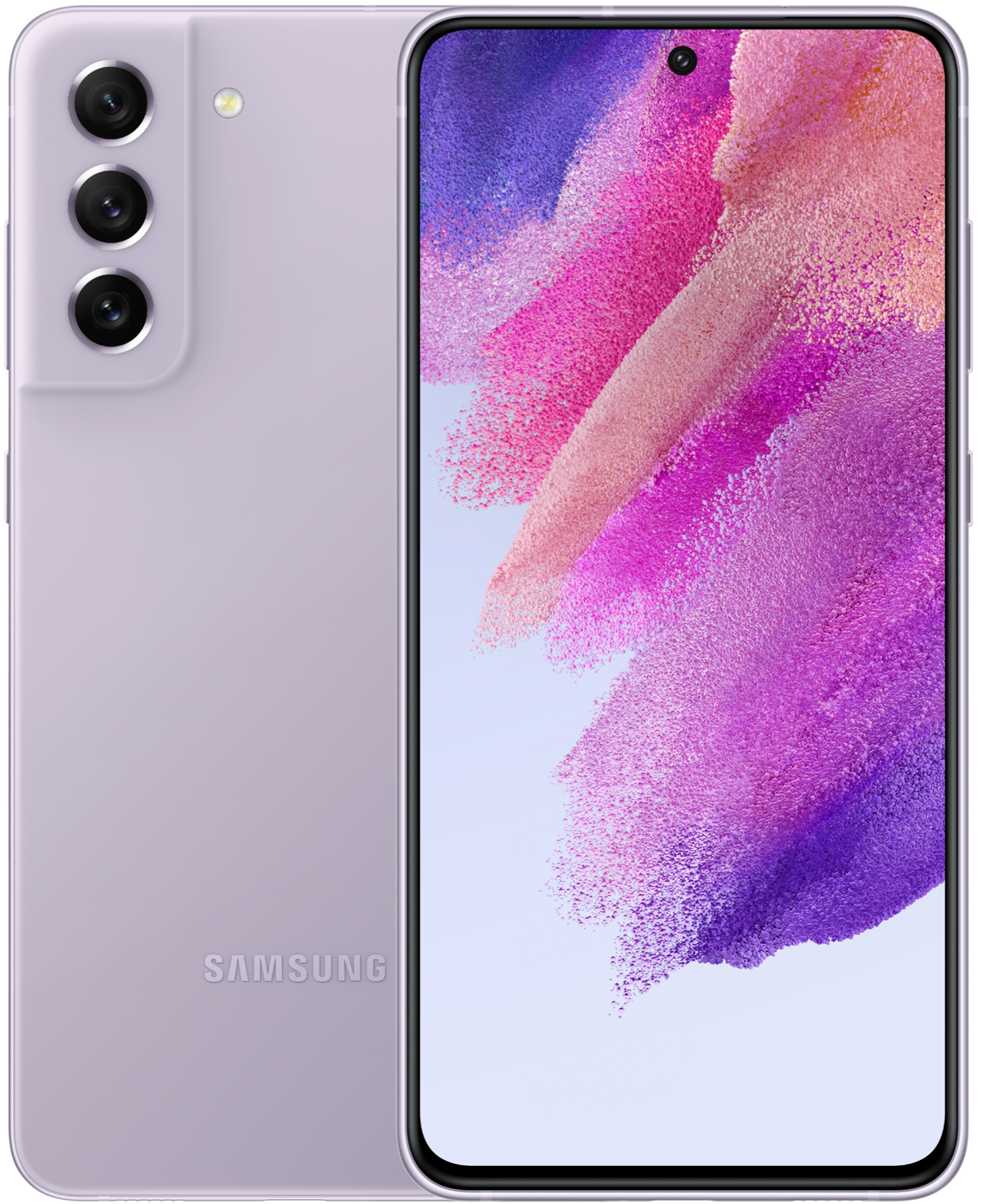
Galaxy S21 FE 5G
r9s (old 8.5 release, Nashe version)
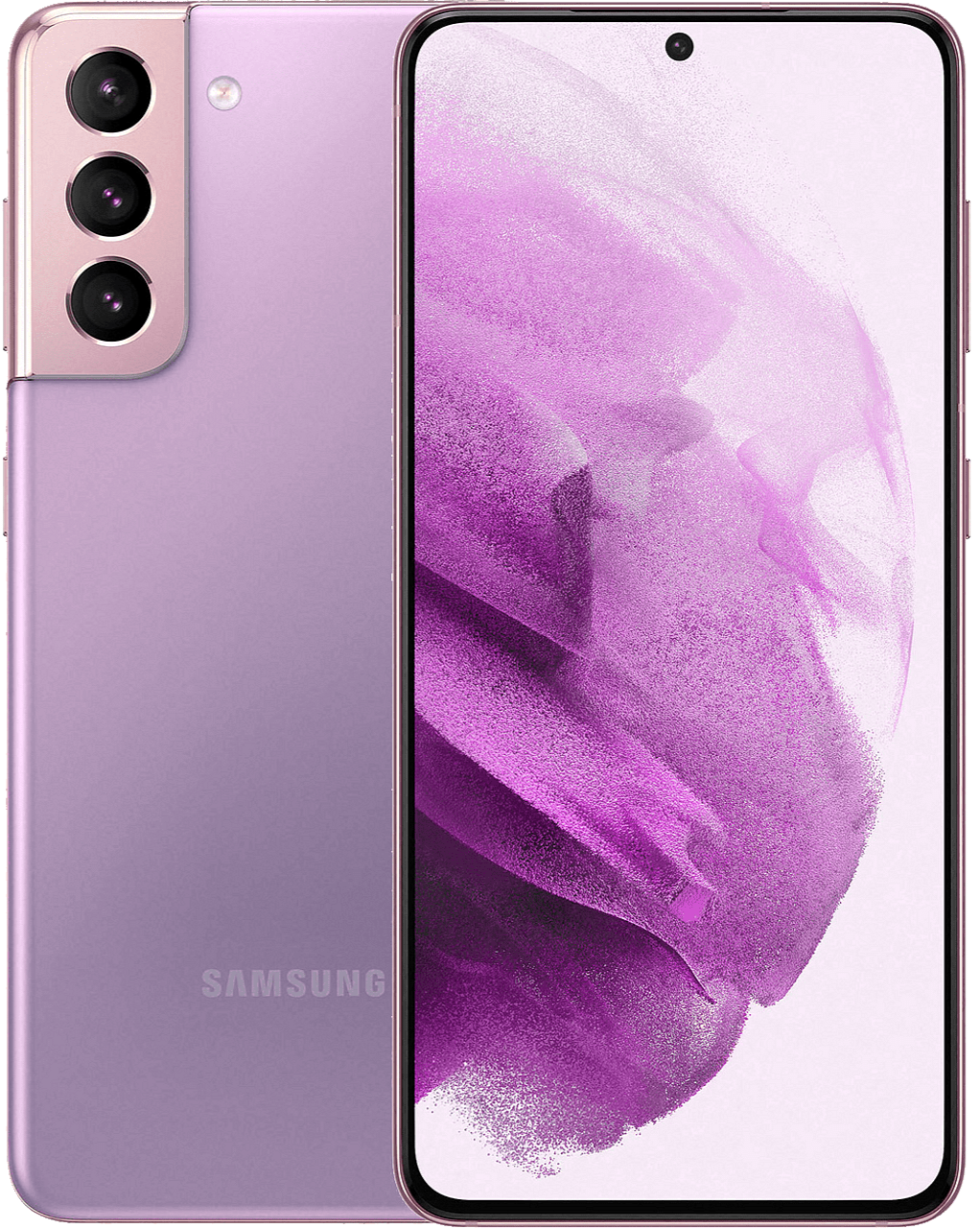
Galaxy S21 5G
o1s
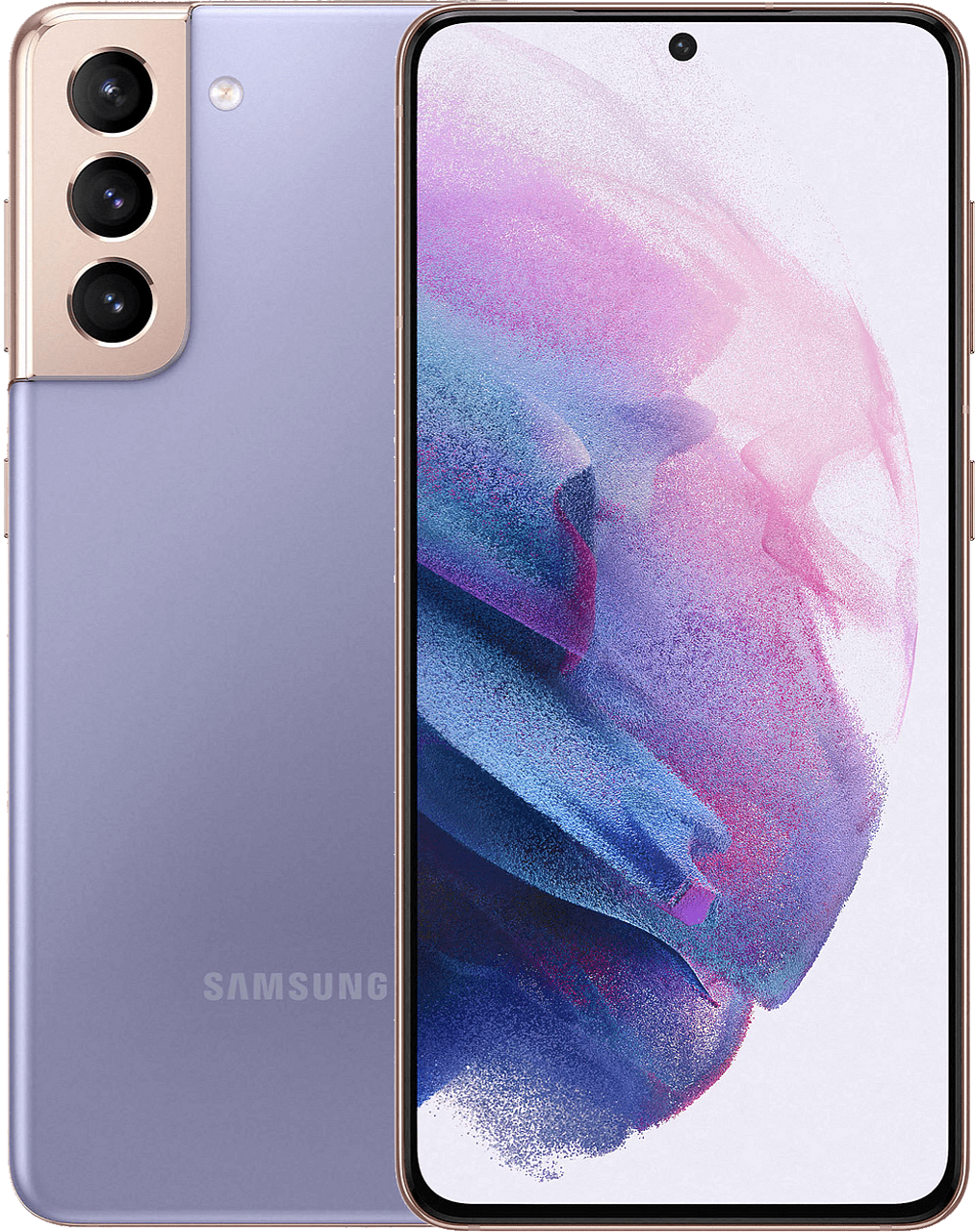
Galaxy S21+
t2s
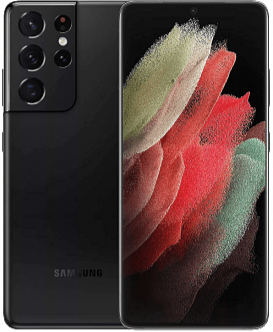
Galaxy S21 Ultra
p3s — VIP Exclusive